


FaceAge - How old do I look
3.744.00 Reviews
App Specs
- Version
- 31.2
- Updated On
- License
- Free
- Downloads
- 500,000+
- Developer
- Tikamori
- Categories
- Beauty
- Platform
- Android, iOS
Screenshots
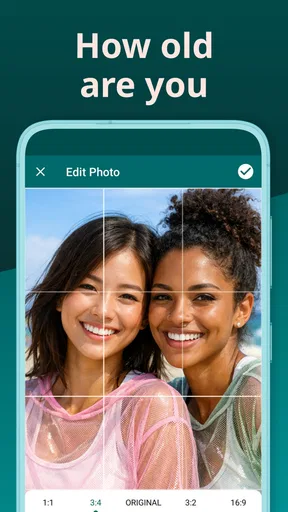
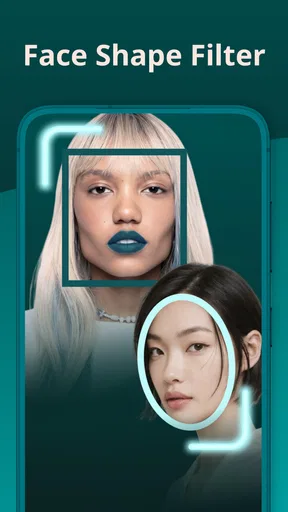
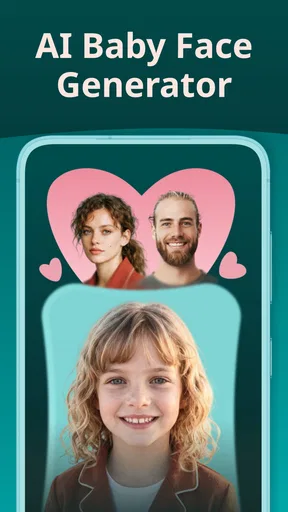
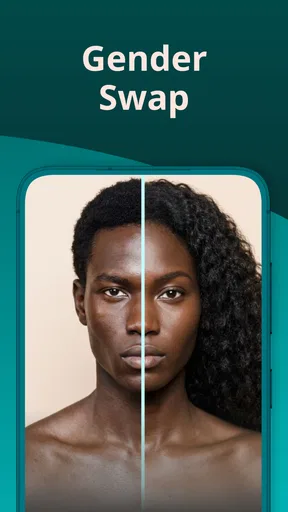
 Analysis by AppCompare
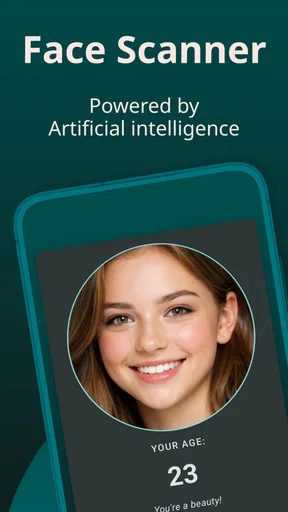
I treat an age-reading app as a bit of entertainment, not a verdict on how I look, and that is the right mindset for Face Scan - How Old Do I Look. Its appeal is immediate: take or choose a face photo, see the estimate, and decide whether the result feels amusing, surprising, or wildly out of line. I would use it for a quick curiosity check or a shared laugh, rather than as a serious measure of age or skin health.
What a quick scan can—and cannot—tell you
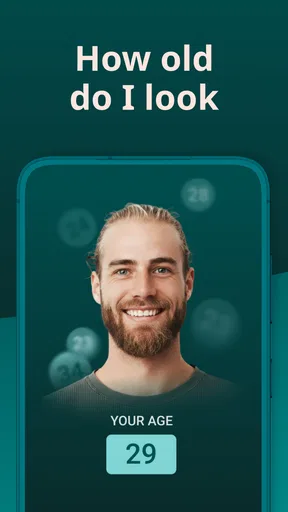
The basic interaction is easy to understand: the app analyzes a face in a photo and returns an estimated age. That makes it suited to a spare moment, when I want to test a selfie without learning a complicated editing workflow. It is less useful if I expect a dependable answer. A face-based estimate is sensitive to the particular image, so I would read the result as a playful reaction to one photo, not a stable description of me.
For a fairer comparison, I would use a clear, front-facing picture with even light and a relaxed expression. I would avoid a strong filter, a dramatic angle, or shadows across the face. Those choices are not a secret setting; they are simply ways to avoid making the photo itself the main variable. If I try a second image, I would change only one thing—such as lighting—so I can see how much the estimate shifts. That little experiment is more revealing than taking several nearly identical selfies and treating the answers as a score.
A small social game, with sensible limits
The app can work as a casual group activity: friends can each try a photo and compare the results, as long as everyone is comfortable sharing their image and nobody takes the numbers personally. I would keep it light and avoid using it to rank people or make comments about someone’s appearance. An estimate can be wrong, and a joke that feels harmless to one person may land badly with another.
It may also suit someone who enjoys trying photo-based novelty apps but does not want a full photo editor. If I am looking for detailed retouching, a camera tool, or a considered skincare routine, I would choose something built for that purpose instead. A playful age guess is a narrow activity, and the app’s usefulness depends on wanting that particular diversion.
First Impressions and Features
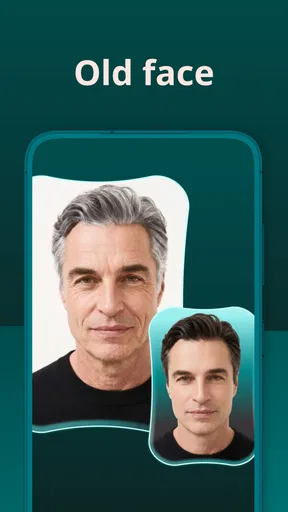
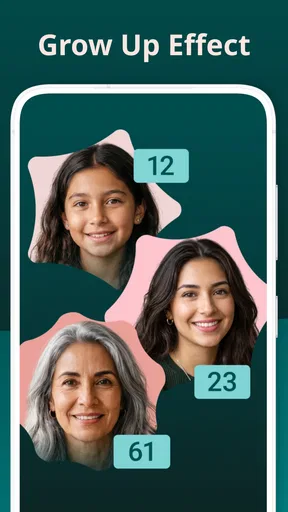
When you first launch Face Scan - How Old Do I Look, you're greeted with a pretty sleek and straightforward interface. It's super intuitive, which I appreciate because nobody wants to spend ages figuring out how to navigate an app, right? The main feature, as you might have guessed, is to scan your face and give you an estimation of your age. But there's more to it than meets the eye.
First off, the face scanning technology is surprisingly quick. You just snap a selfie, and within seconds, the app provides you with an age estimate. The fun part? It also gives you a little rundown on the features that influenced its decision, like wrinkles, skin tone, and other facial attributes. I found myself laughing at some of the results because, let's be honest, sometimes it can be a bit off. But that's part of the fun!
Worth Reading Before You Choose

EA SPORTS FC Mobile 26 Is a Bigger Football Game, but It Takes Time

Flipboard Shows What News Apps Must Do Beyond the Feed

Switching to Android Auto Means Rethinking Your Driving Routine

Google Calendar Makes a Crowded Week Easier to Manage

Ludo King Makes the Most of the Minutes Between Plans

Baby Panda World Brings Quick Play to Modern Phones, but Its Game Library Feels Busy
Additional Features
Beyond just age estimation, Face Scan offers a few other quirky features. There’s a section where you can compare your results with your friends. Have a little competition to see who looks the youngest or oldest—it’s a blast at parties. Plus, the app offers some tips to help you "look younger," which, while not groundbreaking, can be a nice touch for those interested in skincare.
Using it in an ordinary day
A realistic use is a quick check while getting ready: I might take a selfie near a window, run the scan, and share the result with a friend who is already in on the joke. If the estimate seems odd, I would retake the picture once in more even light before deciding the app has made a particularly funny call. I would not keep retaking it until I got a flattering number; that turns a casual novelty into a pointless search for validation.
That example also points to a useful distinction between this app and the usual alternatives. A beauty camera or photo editor is meant to change or polish an image, while a face-age scanner is meant to interpret one. A skincare app is more appropriate for routines and product guidance, and a professional opinion is the better route for concerns about skin or health. This app sits in the entertainment corner of beauty tools: its result is interesting mainly because it reacts to a photo, not because it can explain how to care for your face.
Why repeated results may vary
Even when I use the same person, changing the photo can change what the app sees. Lighting, expression, distance, and camera angle all affect how a face appears in an image. This makes repeat scans a poor way to measure change over time. If I wanted a consistent personal record, I would use a fixed photo setup and treat any difference cautiously; I would not interpret a changed estimate as proof that my appearance has changed.
There is another trade-off in comparing friends: the app turns a private face photo into a social moment. I would ask before scanning someone else’s image and let them choose whether to share the result. That is a simple courtesy, especially if a person is not comfortable having their face analyzed or discussed. The app’s playful framing does not make consent less important.
Playing Around with the App
Now, onto the usability. The app is pretty lightweight, and I didn't notice any lag or crashes during my time with it. It's available on both Android and iOS, so most users should be able to hop on board without any issues. One thing I did notice, though, is that the app does request quite a few permissions, so be ready to allow access to your camera and photo gallery.
As for the accuracy, well, it's a mixed bag. Sometimes the app nailed my age spot on, but there were moments it was way off. But hey, that’s part of the charm, right? It makes for a good laugh, and I can see why it’s popular among those who love a bit of digital fun.
Speed, stability, and heavier sessions
For a single photo, the experience feels quick and direct rather than like a demanding editing project. That is enough for the app’s main purpose: choose a face image, wait for the estimate, and move on. I would not assume that a fast first scan guarantees identical responsiveness in every situation, though. A long session of comparing several people, switching between pictures, or repeatedly testing different lighting is a heavier pattern of use than one quick check.
When I use it with friends, I would keep the process simple: take turns, use one suitable image each, and stop if a result takes longer than expected or the app becomes unresponsive. Reopening an app is a sensible first recovery step for an ordinary hiccup, but I would not keep retrying the same photo over and over if the issue persists. A short pause and a fresh, well-lit image are more practical than turning a party game into troubleshooting.
The app’s narrow purpose is also a benefit for performance expectations. I would not choose it for heavy photo editing or a long creative session; it is a small utility for one kind of image-based amusement. If the phone is already struggling with other tasks, I would avoid launching a stack of camera and editing apps alongside it and then blame the scanner for every delay. That is general good practice, not a special performance setting.
Device fit and access choices
On Android, the minimum operating-system requirement is version 6.0, so an older compatible device may be able to run it, though the experience can still depend on the phone’s camera and general condition. The current version is 28.2. The app is free to download, with in-app purchases priced from $1.99 to $19.99 per item, so I would look carefully at any purchase prompt and decide whether extra spending makes sense for a feature I may only use occasionally.
Because a face photo is central to the experience, I would think about camera and photo access before starting. Grant access only when it is needed for the task, and choose an image I am comfortable using. I would not upload or select a picture of someone else without asking. These are practical privacy habits, not a reason to assume anything about how the app stores or handles images.
It is a beauty app from Tikamori, rated for Everyone, and its audience numbers suggest it has found plenty of people curious enough to try a face-age estimate: it has over 500,000 installs. Its average rating is 3.7 from around 4,300 ratings, alongside 43 written reviews. I see that as a mixed reception rather than a guarantee of a particular result. A novelty scanner can delight one person and disappoint another simply because expectations differ.
When I would choose something else
I would skip this app if I wanted an accurate age assessment, a diagnostic view of skin, or advice tailored to a health concern. I would also pass if I dislike granting photo-related access or if I am uncomfortable turning facial images into a game. For those needs, a different kind of tool—or a qualified professional for a health question—is a better fit than an entertainment scanner.
I would also choose another option if my main goal were to improve a portrait. A dedicated editor offers direct control over cropping, lighting, and retouching; this app’s point is the estimate, not fine-grained image work. Conversely, someone who wants a quick, low-effort curiosity test may find a general-purpose editor unnecessarily involved. The right choice depends on whether I want to interpret a photo, alter it, or get practical guidance.
Privacy Concerns
In today's digital age, privacy is a big deal, so I took a closer look at what the app does with your data. According to their policy, images are not stored permanently, and any data collected is used solely for improving the algorithm. Still, it’s always good practice to be cautious with apps that require personal data.
Final Thoughts
Overall, Face Scan - How Old Do I Look is a fun little app to pass the time. It's not something I'd rely on for scientific accuracy, but if you're looking for a lighthearted way to entertain yourself and your friends, it might just be worth the download. The app is free with some in-app purchases, so you can try it out without any commitment. Just remember to take the results with a grain of salt and enjoy the laughs along the way!
If you’re curious and want to give it a shot, you can find the app available for download on both the Google Play Store and the Apple App Store. Go on, give it a try and see how old your face thinks you are!
My performance verdict
For occasional scans, I find the speed and straightforward flow more important than elaborate controls, and the app seems best judged on that modest promise. My positive experience with smooth use does not mean every device or every session will behave the same way. A clear image, a phone that meets the Android requirement, and a simple one-at-a-time workflow are sensible starting points.
In the end, I would recommend it to a friend who enjoys harmless photo experiments and understands that the estimate is for fun. I would not recommend it as a measure of age, a skincare assessment, or a reason to spend money chasing a preferred answer. Used lightly and with care around other people’s photos, it offers a quick novelty; if it stops being amusing, there is little reason to keep scanning.
Pros
- Accurate age estimation feature.
- User-friendly interface.
- Quick scanning process.
- Fun social sharing options.
- Lightweight and doesn’t drain battery.
Cons
- Limited free features.
- Contains ads in free version.
- Occasional scanning errors.
- Requires internet connection.
- Privacy concerns with data storage.
FAQs for FaceAge - How old do I look
What features does the 'Face Scan - How Old Do I Look' app offer?
The 'Face Scan - How Old Do I Look' app provides users with a facial recognition feature that estimates your age based on a photo. It also offers fun filters and effects, allowing users to experiment with different looks. Additionally, the app provides insights into facial attributes and expressions.
How accurate is the age estimation feature in the app?
The app uses advanced algorithms to estimate age, but it should be noted that the results may vary depending on lighting, angle, and facial expressions in the photo. While it provides a fun and engaging experience, the accuracy can be influenced by these factors and may not always reflect your actual age.
Is 'Face Scan - How Old Do I Look' free to use?
The app is free to download and offers basic features at no cost. However, it may include in-app purchases or subscription options for additional features, such as premium filters and ad-free usage. Users can explore these options to enhance their experience within the app.
What are the privacy concerns associated with using this app?
The app requires access to your camera and photo gallery, which raises privacy considerations. It’s important to review the app’s privacy policy to understand how your data is collected, stored, and used. Ensuring that the app complies with privacy regulations is crucial before downloading.
Can the app be used on all devices?
The 'Face Scan - How Old Do I Look' app is designed for both Android and iOS platforms, but compatibility may vary depending on the device model and operating system version. Users should check the app’s requirements in the app store to ensure their device is supported before downloading.


